


Early access · The AI studio with a Brain
One sentence.Her whole week of posts.
Tell the Brain what she should post. It plans the shoot, sets up ComfyUI for you and makes every photo and reel. Same face, every time.
Free to join · No card · 7-day trial at launch
The Brain · only in Musetta
The AI that does the ComfyUI part.
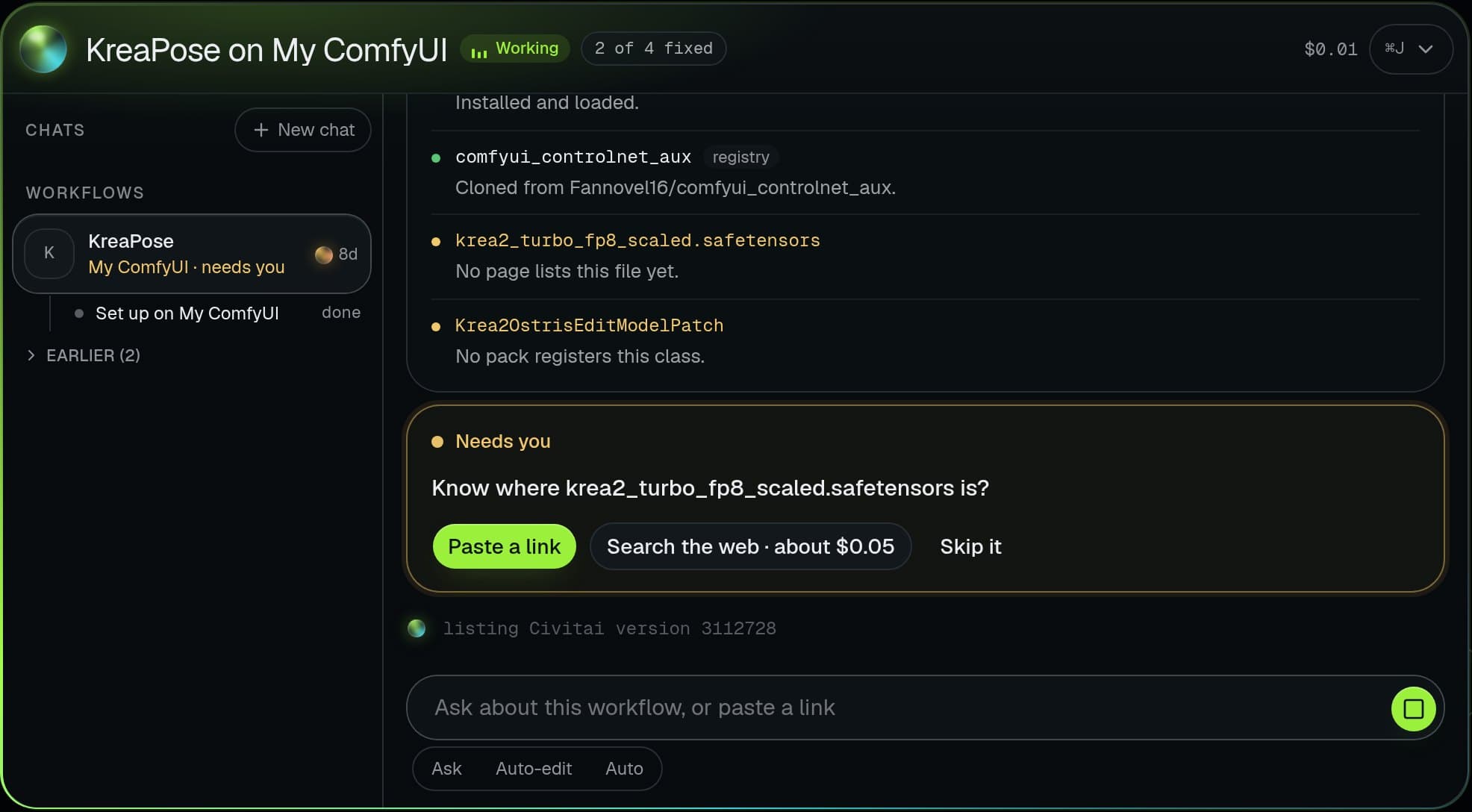
Downloaded a workflow and got a wall of red nodes? The Brain finds every missing node and model, installs them, fixes what is broken and gets it running. Or skip the workflow: tell it what you want and it does the whole shoot.
- Missing nodes
- Missing models
- Broken settings
- Whole photoshoots
- Reels
Try it: break one, watch it fix.
Three real kinds of broken workflow. Pick one and press Fix it.
The Brain
- 1Reading the workflow7 nodes, 4 problems found
- 2Installing ControlNet nodescomfyui_controlnet_aux
- 3Downloading the exact modelkrea2_turbo_fp8 · 6.2 GB · Civitai
- 4Installing Impact Packfor Face Detailer
- 5Swapping a sampler you lackdpmpp_3m_sde_gpu → euler_ancestral
- 6Test run passedReady on your ComfyUI
- Checkpoint Missing model
- ControlNet Missing nodes
- KSampler Bad setting
- Face Detailer Missing nodes
A replay of a real kind of repair. In the studio it works on your own ComfyUI or a GPU you rent.
Without the Brain
- 2 node packs to hunt down
- 1 model to find, 6.2 GB
- 1 sampler your install lacks
- Forum threads
With it: one press.
What it does while you post.
Fixes broken workflows
Missing node packs, missing models, settings your install lacks. It finds every one and repairs the graph until it runs.
From Civitai, version matched
Finds the exact file
It reads the workflow and the author's notes, checks your disk, then downloads the exact model from Civitai.
- Impact Pack
- ControlNet aux
- Video Helper Suite
Installs missing nodes
Every node pack the workflow needs, from the ComfyUI registry, on your machine or a rented GPU.
sampler_name
Fixes settings you lack
A sampler you do not have, a resolution your GPU cannot hold: it swaps in what works and tells you what it changed.
Needs you
Search the web for this file?
Asks before it spends
Free steps run on their own. A paid search or a rented GPU waits for your okay, with the price on the button.
Photoshoot · Mira · 12 shots
12 of 12
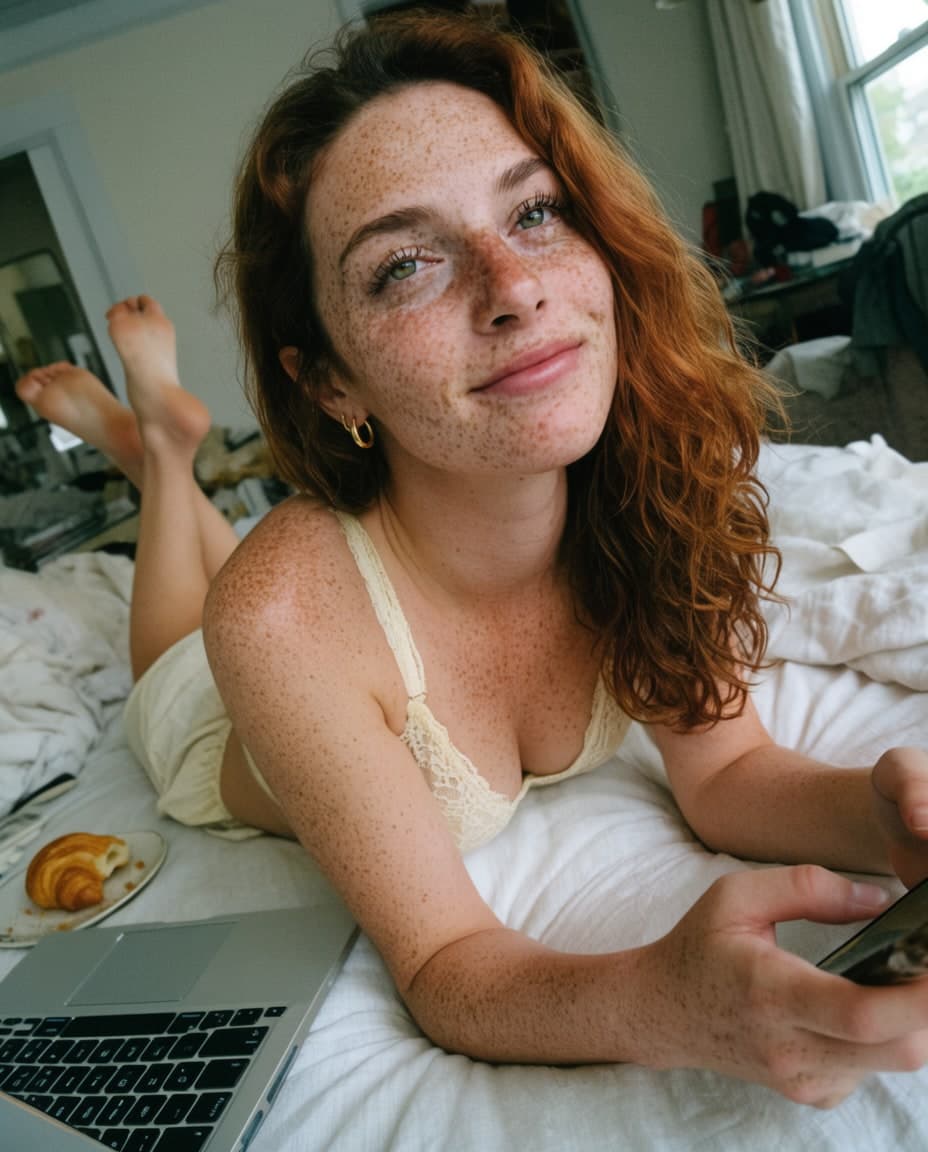

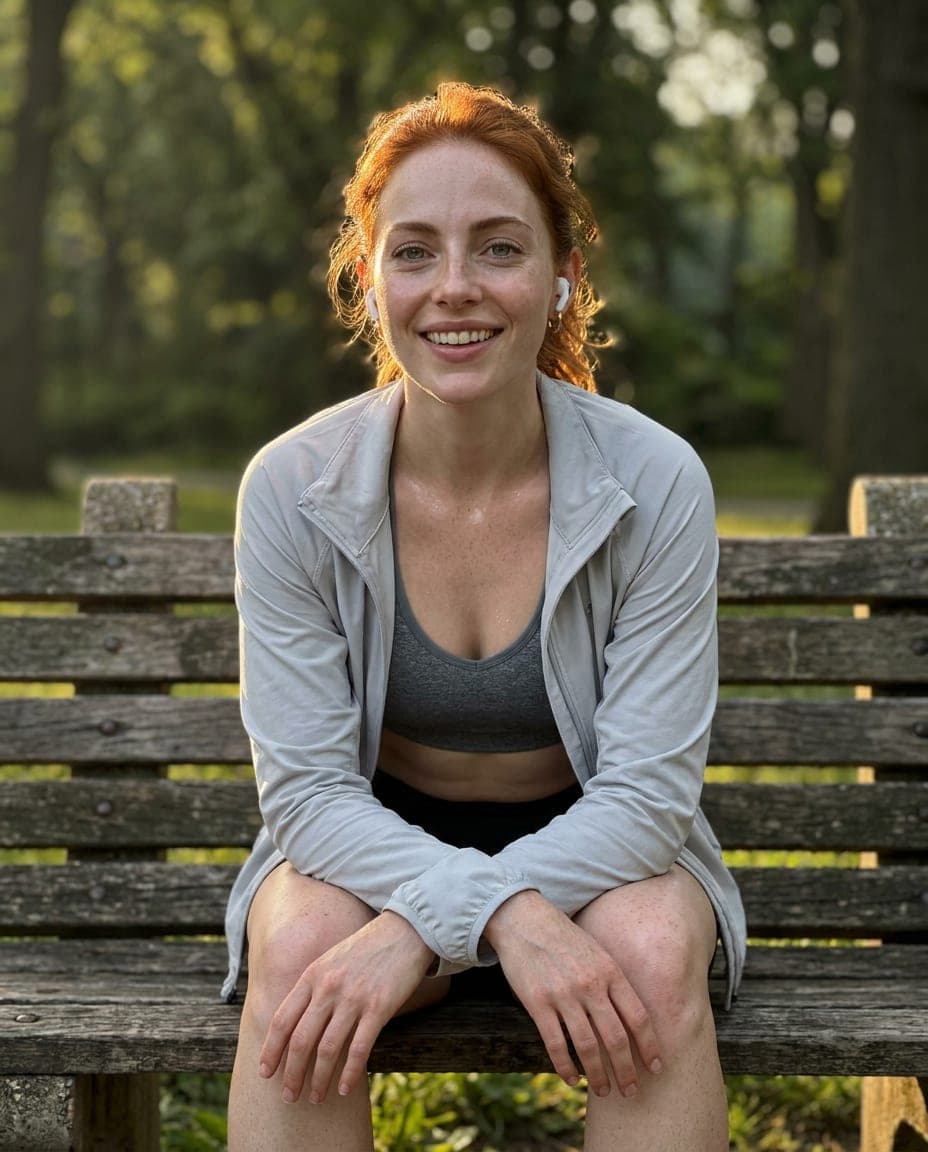
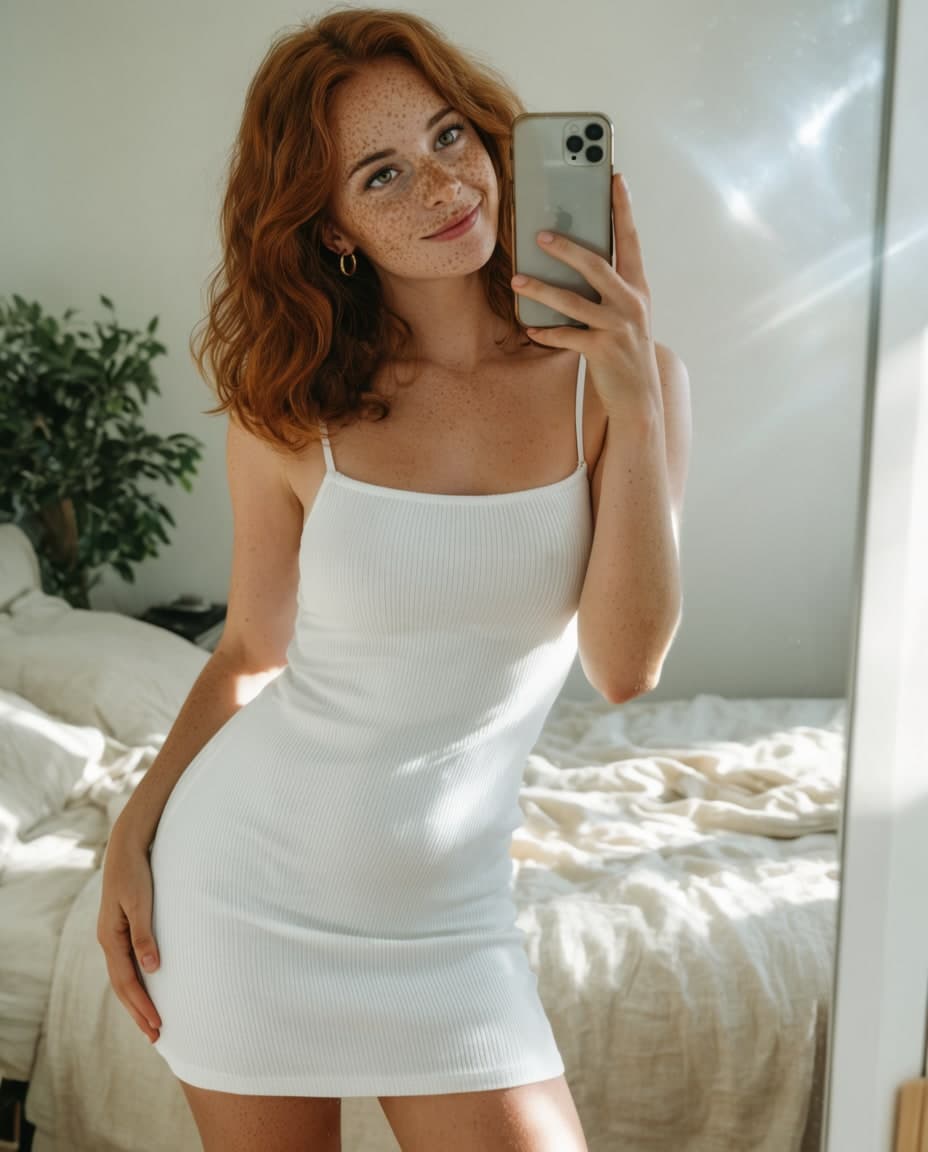
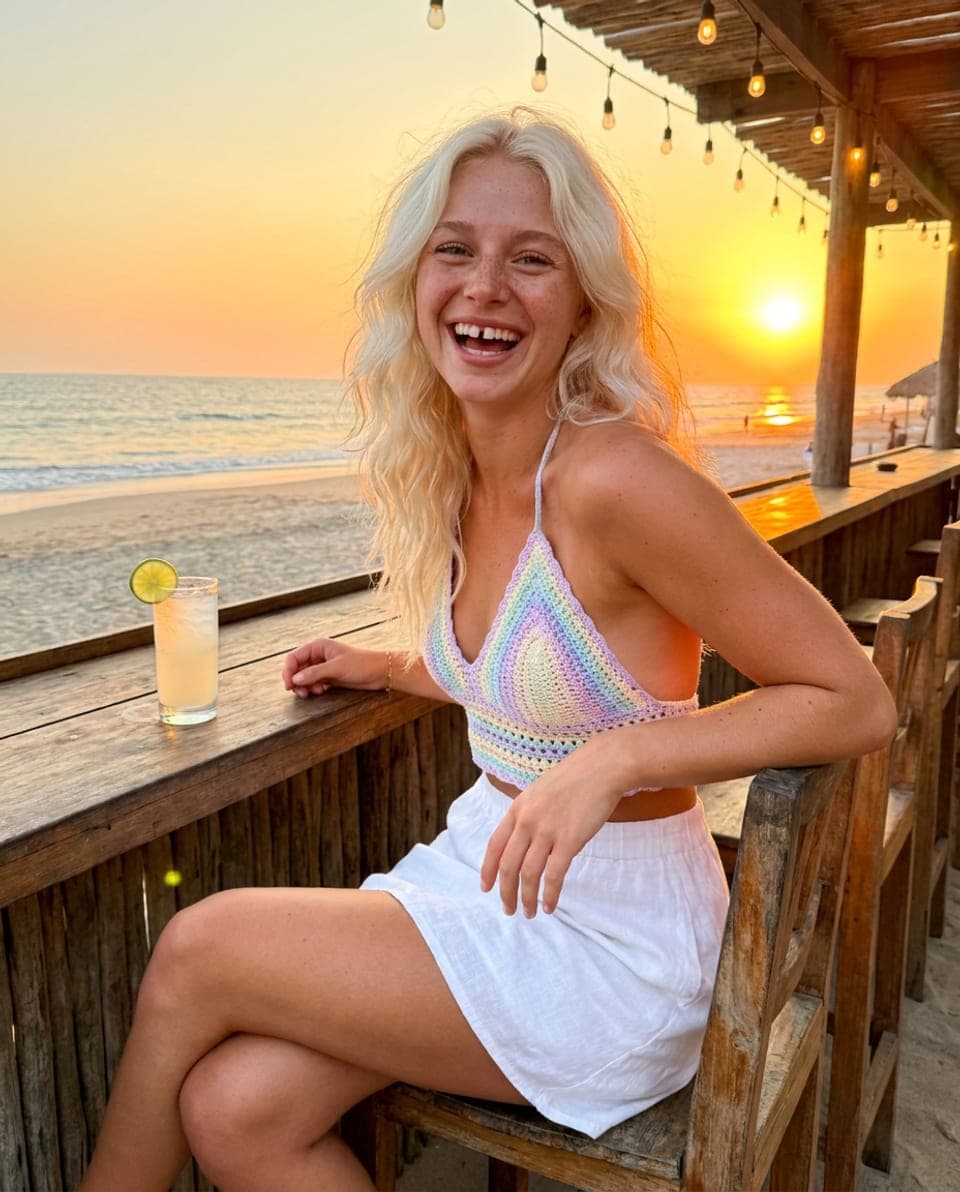
Plans and runs a whole shoot
Say “a week of beach posts” and it writes the shot list, picks the workflow, keeps her face and makes all of them while you do something else.
Your call how far it goes.
It fixes the workflow by itself and checks in before anything that costs money.
Does on its own
- Installs node packs
- Downloads models
- Repairs the graph
Asks you first
- A paid web search
- Renting a GPU
Real screens from the studio
The workflow and its files are an example.
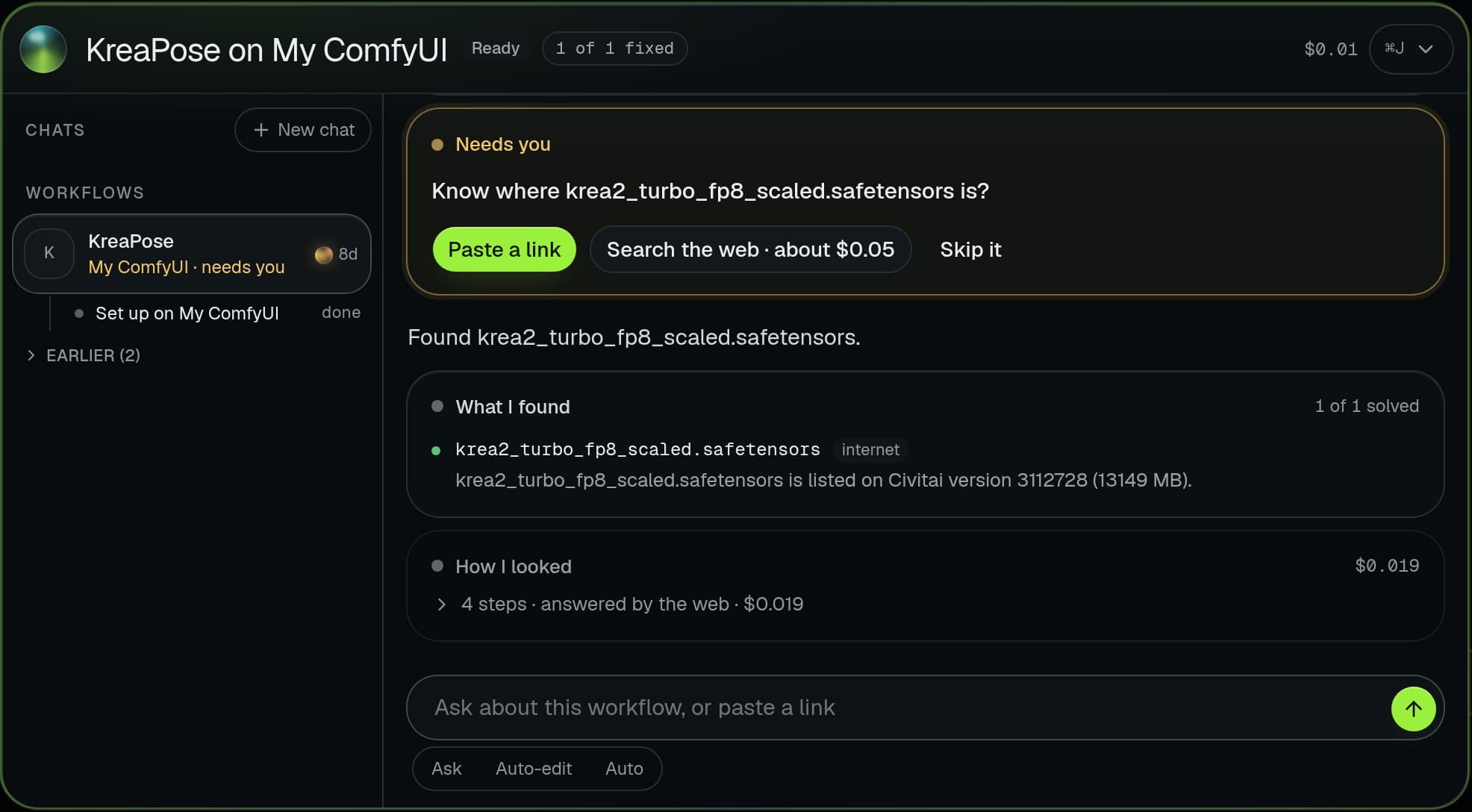
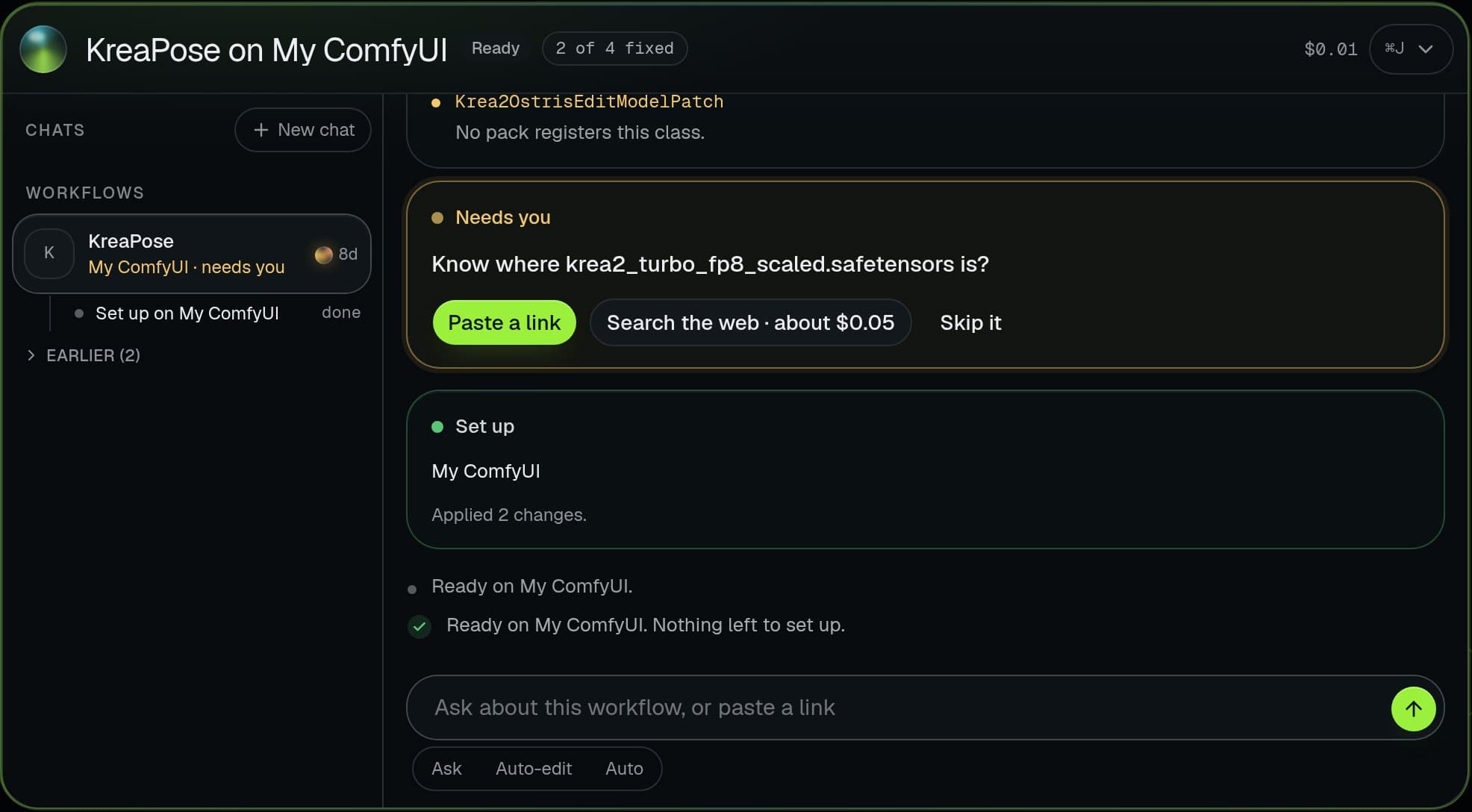
- No graphics card? Fine.Rent one by the hour from inside the studio, priced before it starts. Or use the one you have, for free.
- Private by designHer photos, videos and your models stay on your machine. We only hold your account.
- All the AI includedThe Brain and every assistant come with the plan. No AI accounts, no keys to paste.
Free to join · No card · 7-day trial at launch
Browser extension · free with the studio
See it trending.Post it with her tonight.
- Chrome
- Edge
- Firefox
sea.days no signal, no problem
Example posts, characters and prices. Every person shown is a fictional character made in the studio; the left one stands in for any public post.
It lands on Trends, already read.
Trends
Posts that are working now, and how to make them with your character.
Instagram@sea.days
 TikTok
@loft.moves
 Pinterest
@pool.moodboard
 X
X@city.walks
Breakdown
Look back over the shoulder
4:5Best in Create
A candid turn reads as a moment, not a pose, and the open space behind her keeps every eye on the face.
- 01Seated, back to camera, knees drawn up
- 02Head turned over the left shoulder, half smile
- 03Low warm sun from the side
candid photo of Freya seated, back to camera, looking back over her left shoulder with a half smile, warm low sun, 35mm, natural skin
What it touches. What it never does.
It does
- Puts one button on posts on Instagram, TikTok, Pinterest and X
- Saves from any other site when you right-click an image or video
- Shows the price before a Remake runs, reading the post included
- Sends what you save to your own studio, nowhere else
It never
- Reads a post you did not press
- Likes, follows, comments or posts for you
- Puts its button on ads
- Puts a private account’s post on the public feed
This is the studio. Not a mockup.
One app on your computer, with an AI that does the technical part. Tell it what you want and watch it work, step by step, on your ComfyUI or a GPU you rent.
See every tool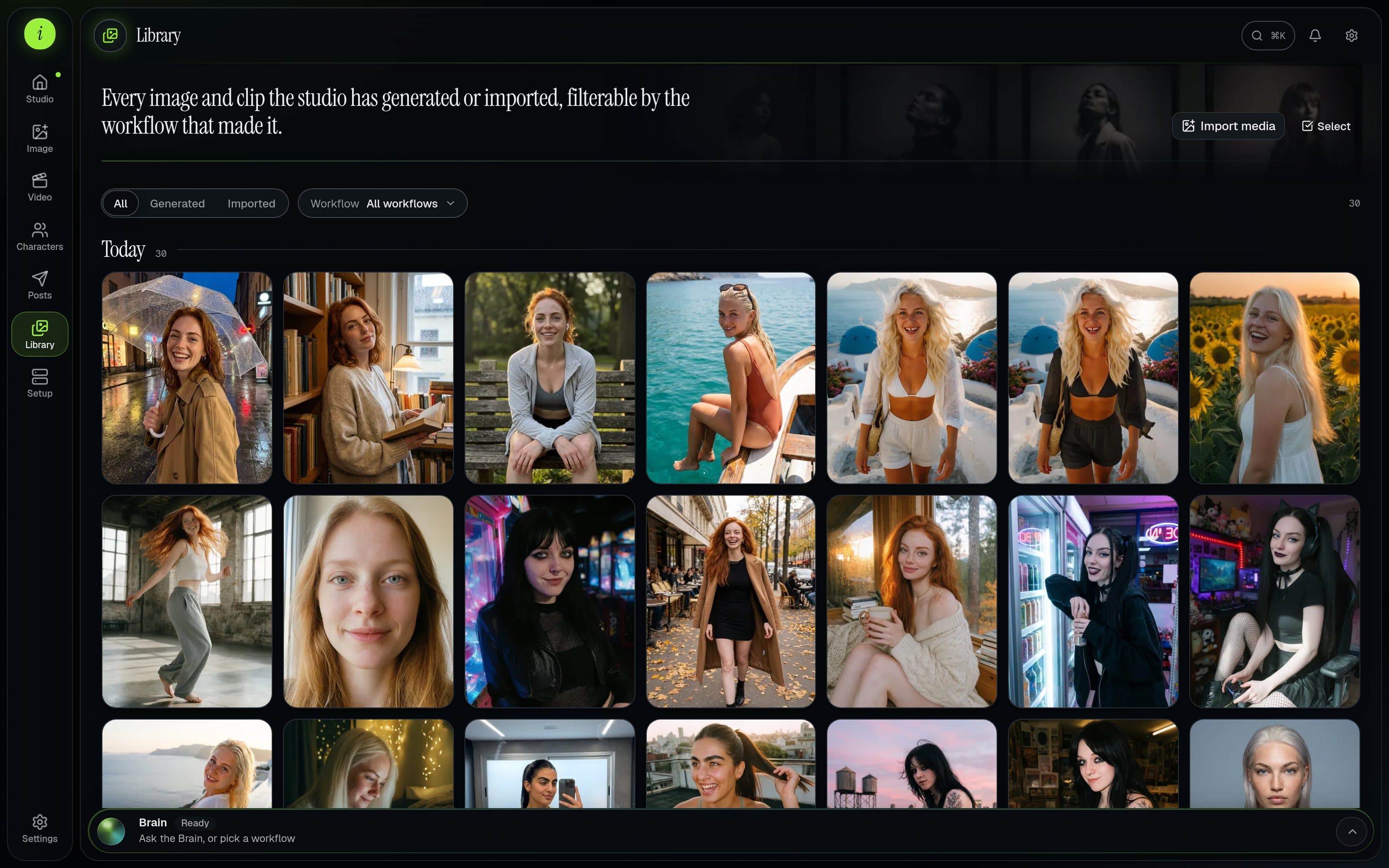
The studio's library, as it ships.
01
Just say what you want
Describe a photo, a set or a reel. The Brain picks the workflow, sets it up and runs it.
02
You approve every cent
Anything that costs money shows its price first and waits for your okay.
03
Everything in one place
Photos, video, characters, posts and your library, all sharing the same character.
You already have the models. You are missing the studio.
ComfyUI gives you every control and none of the management. If you run an AI character, you know how the night goes.
Tonight, in plain ComfyUI
- A Civitai workflow that opens as a wall of red nodes
- A models folder full of final_v2_REAL.safetensors
- Trigger words kept in a notes app, or nowhere
- Her face drifts every time the pose changes
- A great shot from last week, and no idea how you made it
- A rented GPU you forgot to stop
Tonight, in the studio
- The Brain installs the missing nodes and models, and fixes the graph
- Every checkpoint and LoRA as a card, named and matched on Civitai
- Trigger words filled in the moment you pick a model
- One character, chosen by her face, the same in every tool
- Every output keeps its recipe. Make more of it in one press
- Machines that stop themselves when the work is done
Mira
Fictional · made in the studio
Tuesday, the park after a run
mira_v3 · park · morning
Illustrative feed. Every photo was generated from one character.
One character. A whole life.
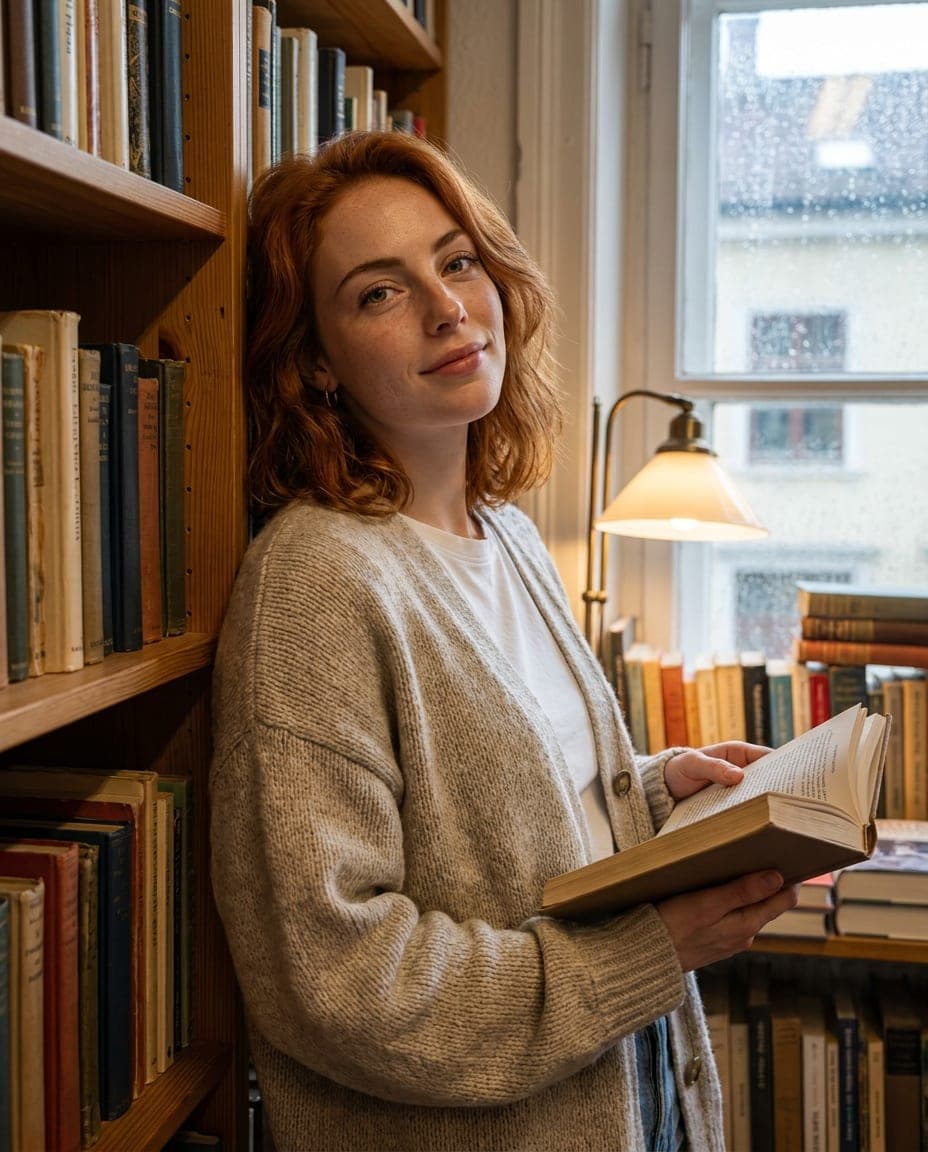
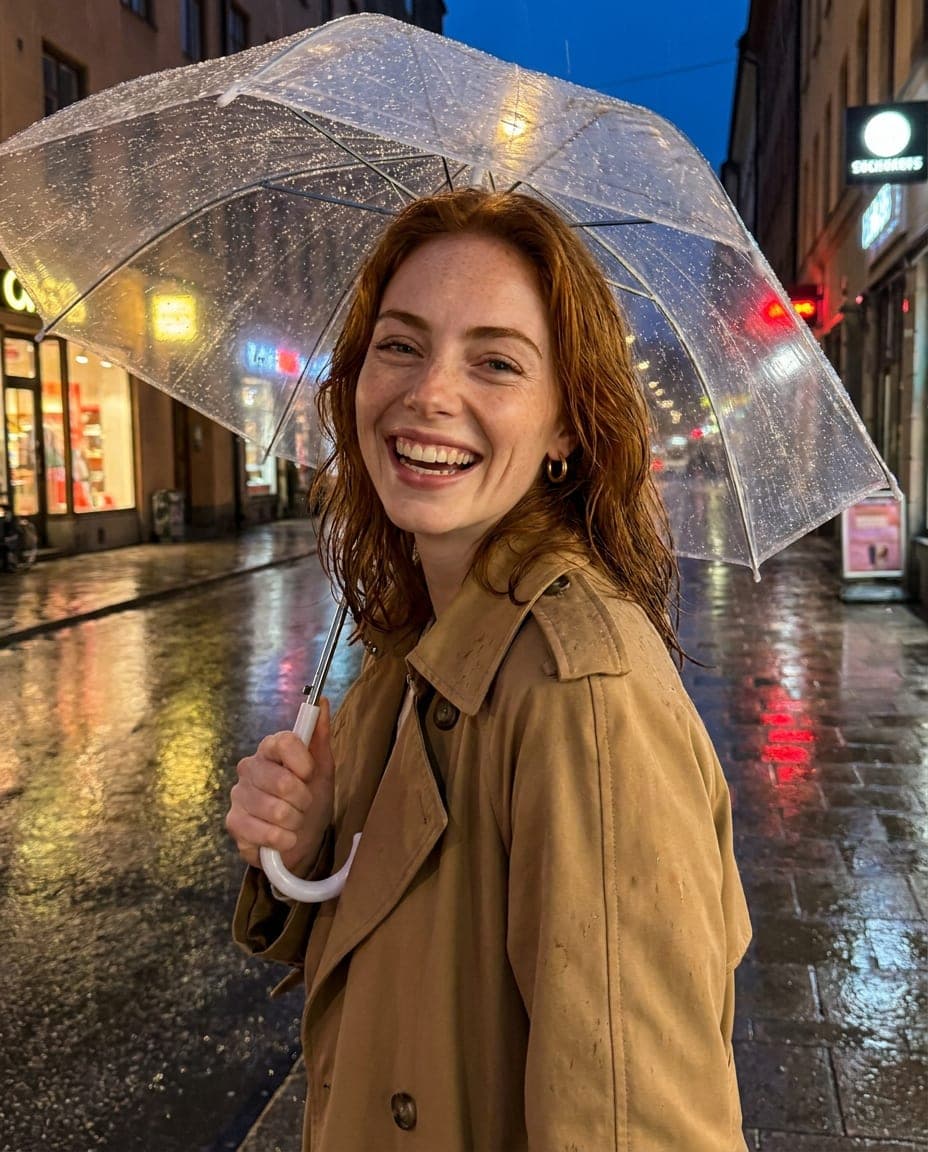
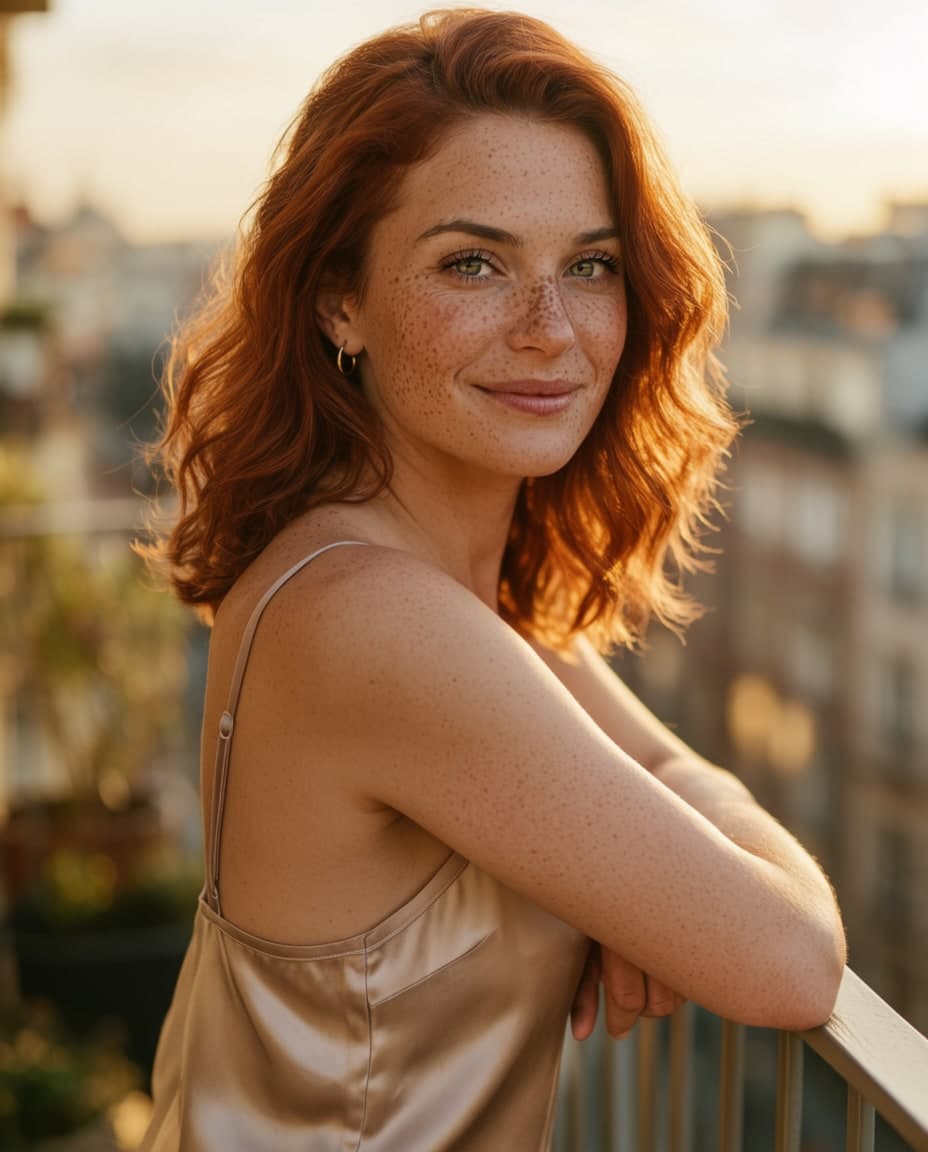
An audience follows a person. Mira is one character defined once in the studio, then photographed in the park, in a bookshop and out in the rain. Everything around her changes. She does not.
Stays the same
- Her face and freckles
- Auburn hair, green eyes
- The way she smiles
Changes every post
- Place and light
- Outfit and pose
- Time of day and mood
Any niche. Any look. Still her in every post.
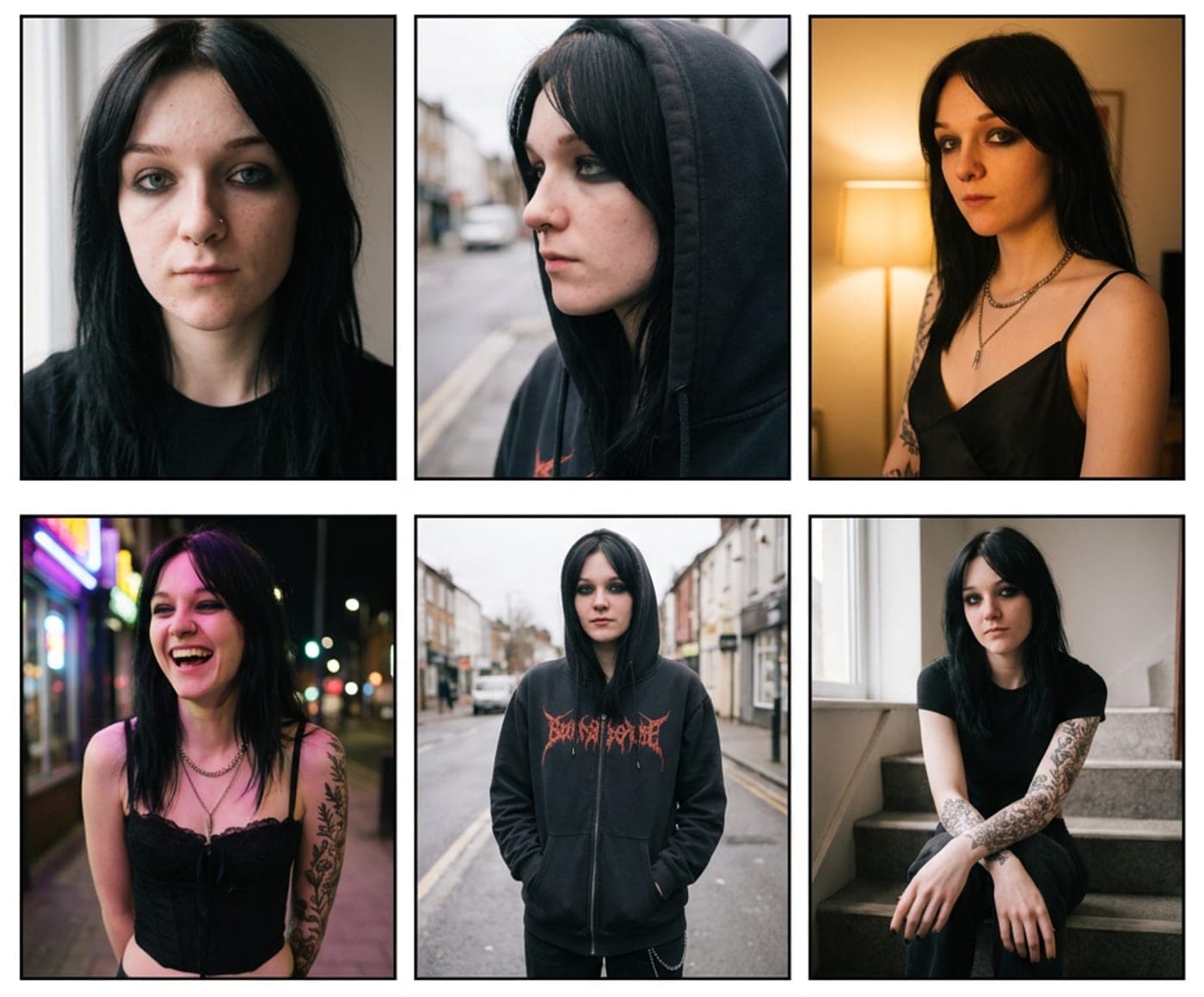
Six characters, each defined once and shot in two different scenes. The tattoo, the freckles, the platinum hair: the details an audience recognises are the ones that stay.
Fictional characters, illustrative images. Tap a card to see her other scene.
01 · The studio
From a folder of files to a person people follow.
- 01
Your library, understood
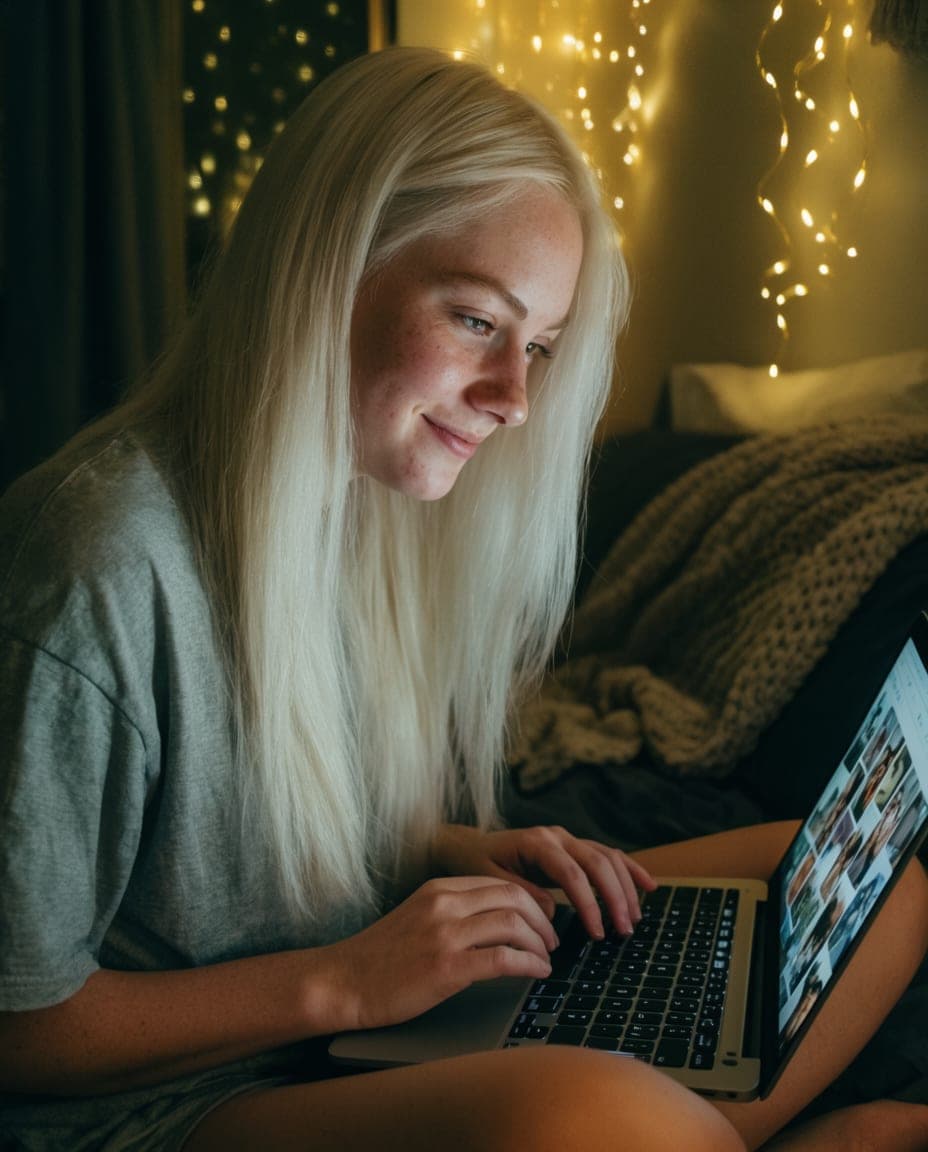
Your library, understood. Point it at your models folder and every checkpoint and LoRA turns into a card: preview, name and trigger words, matched on Civitai. No more decoding filenames.
- 02
Define her once
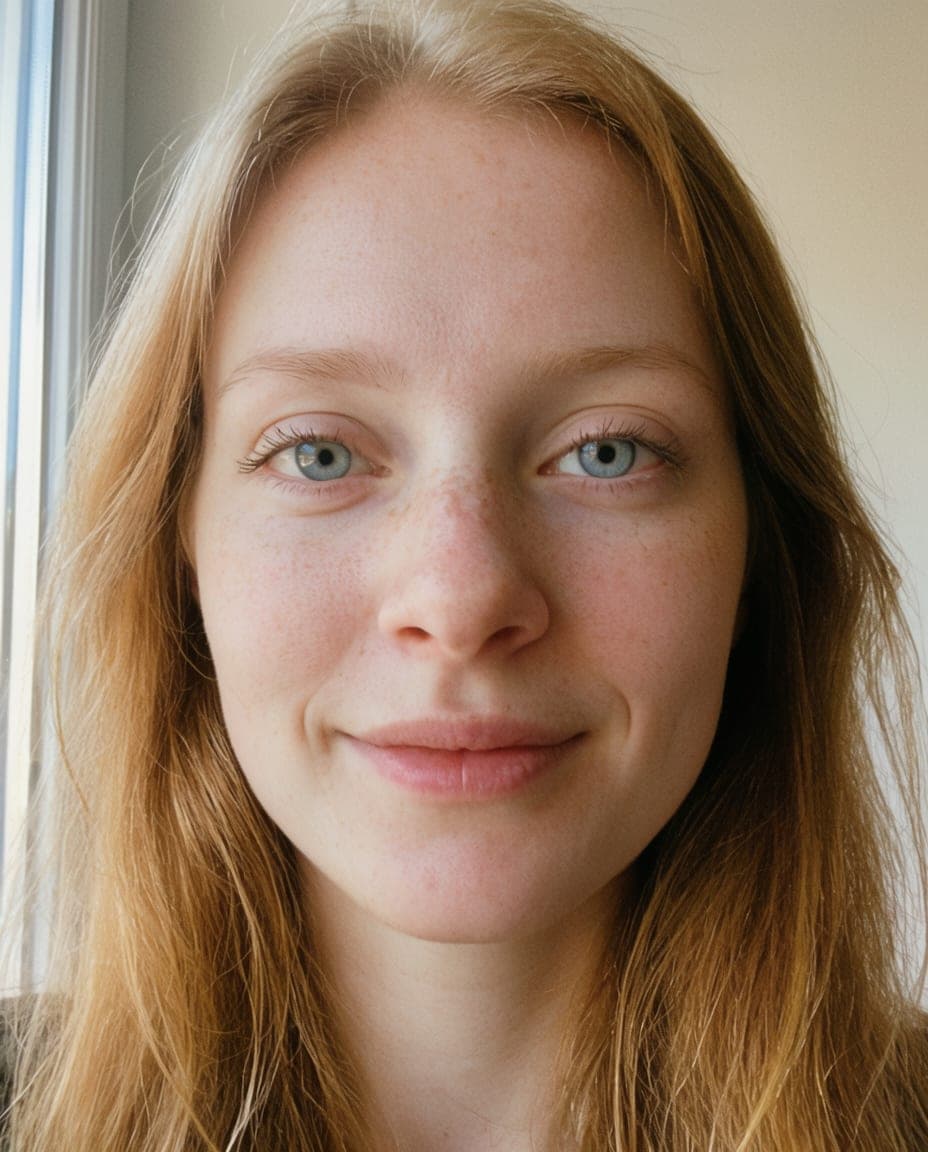
Define her once. A face, a name, a look. The studio keeps her the same person across every prompt and every tool, so a feed reads like one life instead of a hundred strangers.
- 03
Every tool in one room
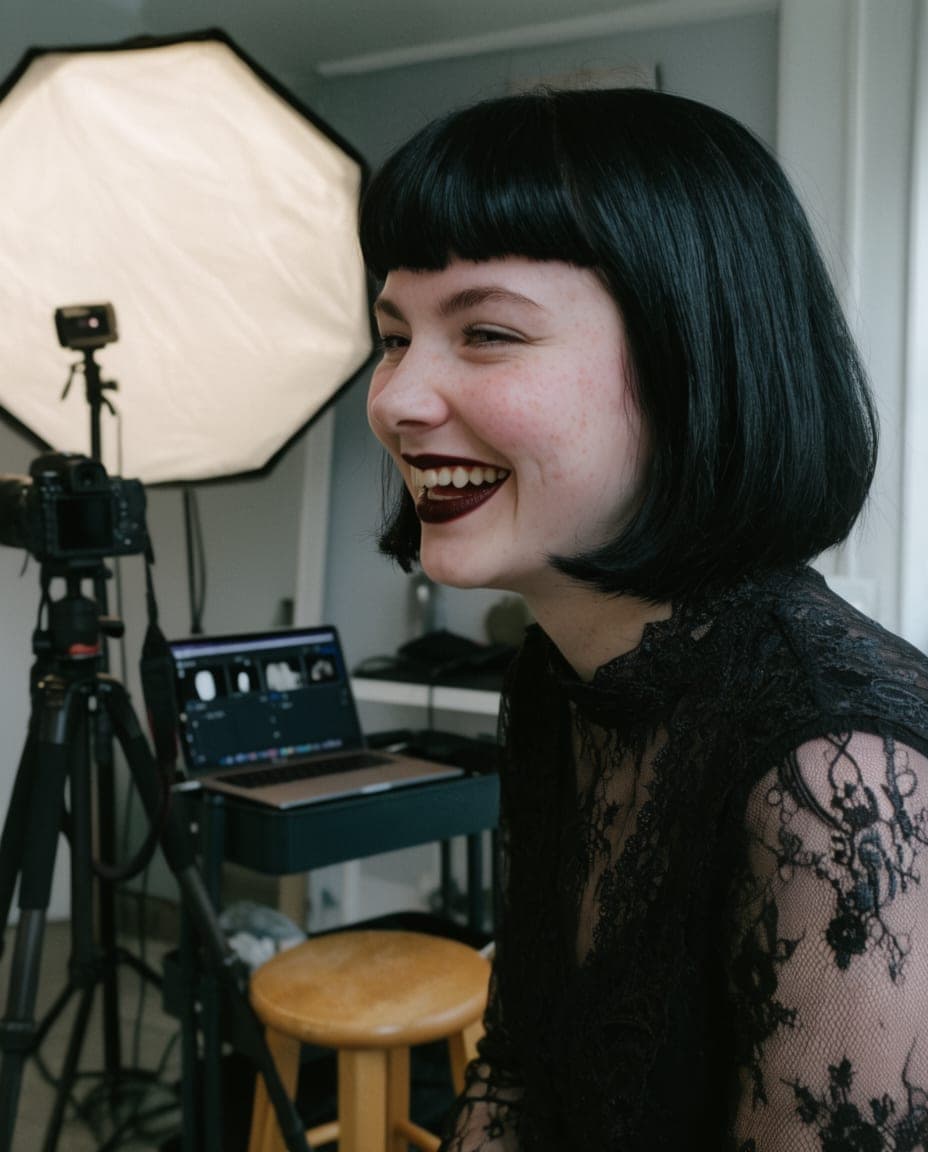
Every tool in one room. Create, Edit, Pose, Copy and Enhance in one workspace. Bring any ComfyUI workflow and it becomes a simple panel with real controls. No graph to untangle.
- 04
Make her move
Make her move. Hand it a clip and she performs it: your character, their motion, in vertical video that is ready for a reel.
- 05
Every picture remembers

Every picture remembers. Each output keeps the exact recipe that made it: workflow, seed, character and every setting. Make more of a winner in one press, months later.
03 · Private by design
Your pictures never leave your machine.
Your characters, your photos and your whole library live on your computer, not in somebody’s cloud. No uploads, no public gallery.
When the AI helps you, only that request passes through us on its way to the AI, and we do not keep it. What we hold is your account: an email, your plan and the machines you signed in.
- Your ComfyUIon this machine
- A rented GPUby the hour, stopped for you
- Included AIanswers, keeps nothing
Your machine
Where the studio runs
- Characters
- Prompts and recipes
- Every output
- Models and LoRAs
Our servers: your email, your plan, your signed-in machines. AI requests pass through, never stored.
04 · Made for you
Wherever you are coming from.
From Civitai
Your downloads become a library.
Point the studio at your models folder. Every file gets its preview, base model and trigger words from Civitai, and the Brain fetches whatever a workflow still needs.
From ComfyUI
Keep your graphs. Lose the chaos.
Bring your own graphs or any from Civitai. The Brain sets up whatever is missing, and each workflow gets a clean panel you can use without touching a node.
From Reddit, X and Discord
You have seen the accounts. Build one.
The same tools the AI creators you follow use, in one app, with a Brain that handles the technical setup and guides that start from zero.
Read the step-by-step guide
For creators with an audience
Your audience asks what you use. Get paid for the answer.
Every creator you bring earns you 20% of what they pay for 6 months: about $34 for a monthly member, $52 for a yearly one. Bring 5 and your own plan is paid for. They get a welcome discount only your link unlocks.
See the affiliate programBefore you ask.
The questions creators ask first. Anything else, ask in the Discord.
What is the Brain?
The AI inside the studio. Give it any ComfyUI workflow, from Civitai or anywhere else, and it finds every missing node pack and model, installs them, downloads the right files and repairs the graph until it runs. Or just tell it what you want, a photoshoot, a set, a reel, and it picks the workflow and does the work. Anything that costs money waits for your okay.
Do I need AI accounts or API keys?
No. All the AI is included in your plan: the Brain, prompt help, captions and shot planning, with 1,000 AI credits every month. The only thing you need to make pictures is a graphics card, your own or one you rent by the hour from inside the studio.
Does it work with my ComfyUI and my Civitai models?
Yes, that is what it is built for. It runs on your own ComfyUI, sets up Civitai workflows for you with the Brain, and matches your checkpoints and LoRAs on Civitai so names, previews and trigger words fill in themselves.
Is it a replacement for ComfyUI?
No. It sits on top of ComfyUI. You keep full control of your graphs and models; the studio adds characters, a model library, one workspace for every tool, and the recipe of every output.
I do not have a strong GPU. Can I still use it?
Yes. Rent a GPU by the hour from inside the studio whenever you need one. You see the price before it starts, it shuts down when the work is done, and you only pay for the time you use.
Can it make video, not only images?
Yes. Give it a still of your character and a reference clip, and the Perform tool makes her perform that motion as a vertical reel, using open video models such as Wan 2.2.
Where do my images and characters live?
On your machine. Your characters, photos and library never leave your computer. When the AI helps you, that one request passes through us to the AI and is not kept. We hold only your account: your email, your plan and the machines you signed in.
Is there a free trial?
Yes, 7 days with everything included, the AI too, starting the day the studio opens. Musetta is in early access now: join free today, no card, and we email you when it opens. One trial per person and card.
Can I earn by recommending it?
Yes. Every account has a referral link. The people you bring get 10% off their first payment, and you earn 20% of every payment they make for 6 months, paid monthly by PayPal or Wise. Details are on the affiliate page.
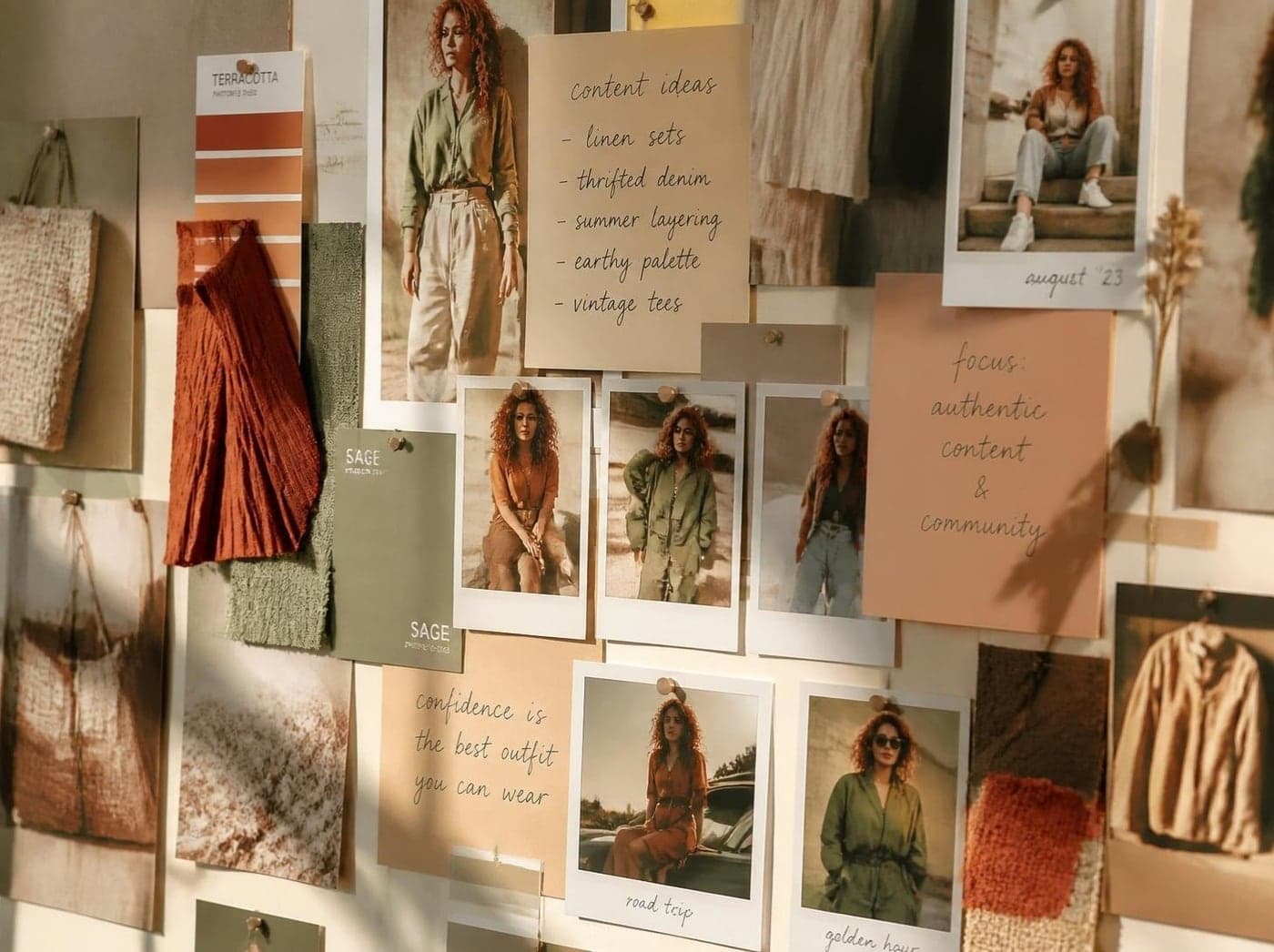
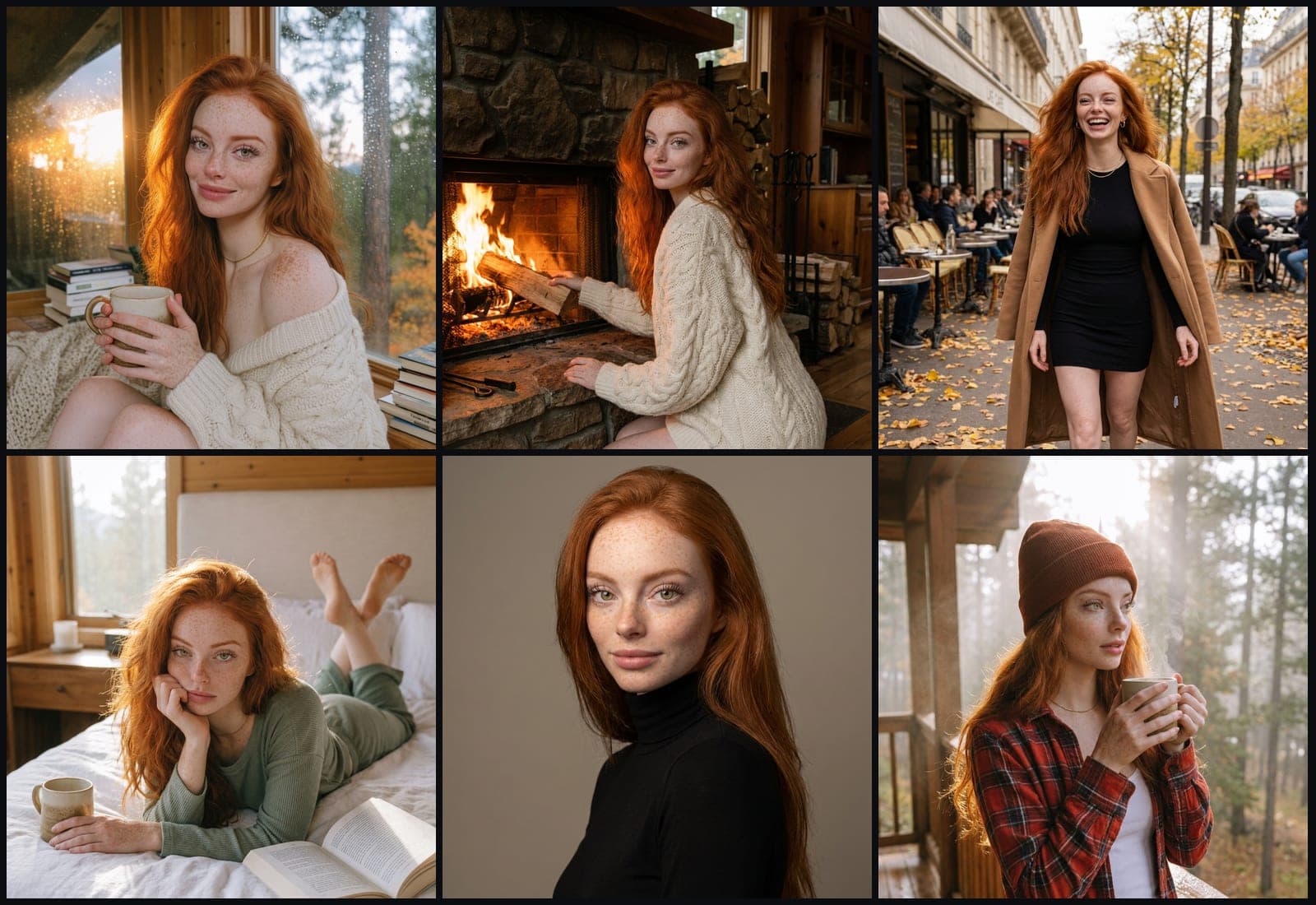
Tonight's post is one prompt away.
Join free today. When the studio opens you get 7 days free, then $29 a month or $290 a year.